

FULL Step-By-Step Guide + Templates - v1.6
FULL Step-By-Step Guide + Templates - v1.6
Trusted by 1000+ builders worldwide 🌏
✔ USA/ CAN Orders: Duties & Tariffs Paid
Couldn't load pickup availability
- Instant Download
- All In One Guide
- Build Support
Build Your Own Arcade Machine — No Experience Needed 🕹️
You spent years feeding quarters into these machines. Now you can build your own - full size, your theme and sitting in your man cave. Every step guided in detail with photos.


Full Build Breakdown
You don’t just download a guide — you build a memory.
⭐ Trusted by thousands of builders • Instant Download • Lifetime Updates
Real Builds From Our Customers


No Guesswork — Wiring & Setup Explained Step-by-Step


💾 Play The Classics You Grew Up With


🕹️9800 Pre-Loaded Games:
From old-school arcade machines to legendary home consoles, this system brings back thousands of classics - side-scrollers, fighters, beat 'em ups, racing games, and more. If you played it back in the day, it's probably in here.
Choose Your Build Path

Questions Almost Every Builder Has Before Starting 🕹️
Thinking about building your own arcade machine? These are the exact questions almost every builder asks before getting started.
Can I actually build this?
Most of our customers are first-time builders.
Many have little to no woodworking experience and build theirs in garages, sheds and driveways using basic DIY tools.
If you can measure, cut and follow instructions — you can absolutely build this 🕹️

How hard is wiring?
Easier than most people expect.
We provide clear visual wiring diagrams showing exactly where everything plugs in, no electronics experience required. Plus, our step-by-step video walkthroughs guide you through the process, making it easier than ever to get your machine up and running.
Whether you're building with a pre-loaded system or emulator setup, we’ve made the process as beginner-friendly as possible.
🎥 Watch our Control Panel Wiring Walkthrough Videos
What exactly arrives?
If you purchase the guide:
✔️ Full Step-by-step build guide
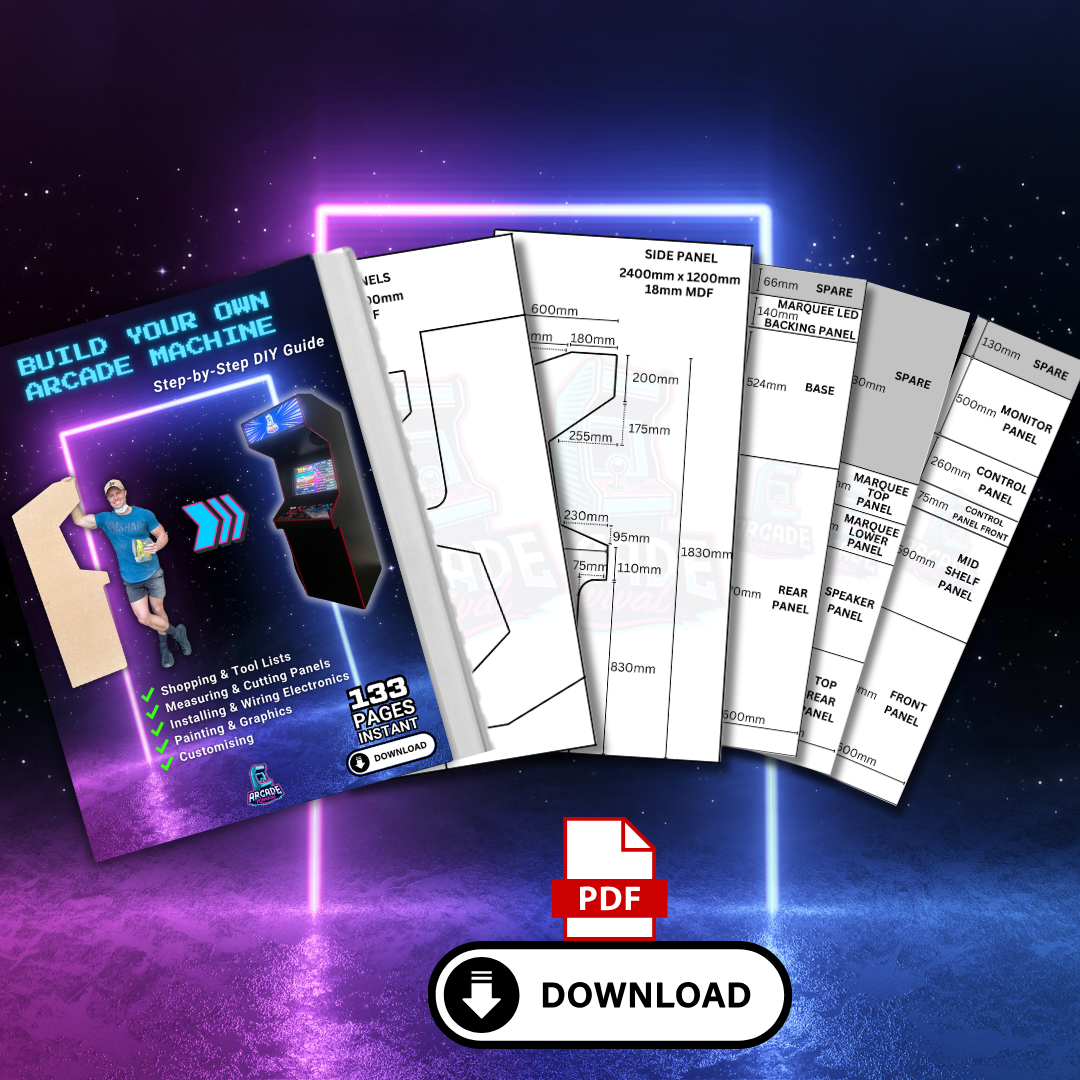
✔️ Printable side panel template
✔️ MDF & Plexiglass cutting lists
✔️ Shopping lists & material guides
✔️ Drill-ready control panel template
✔️ Digital wiring diagram booklet
✔️ Access to helpful build videos
If you choose a Starter Kit:
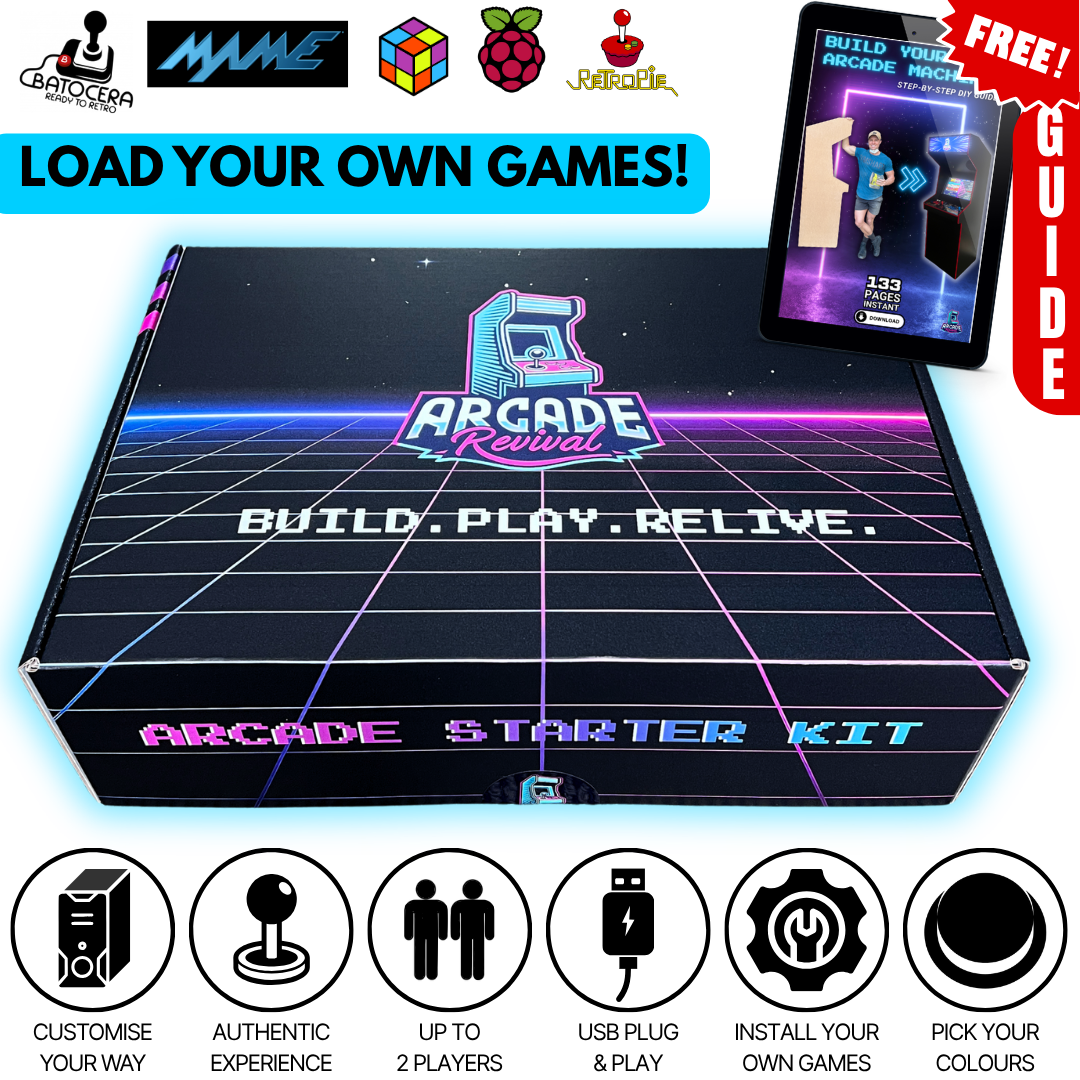
You’ll receive everything included in the guide, plus the essential arcade components needed to bring your machine to life.
Choose between our Essential Starter Kit or Complete Starter Kit depending on the features you'd like to include in your build.
💡 Many builders choose the Complete Starter Kit to get everything they need in one go, including several popular upgrades that are commonly added during a build.
👇 See what's included in each kit below.
What tools do I need?
Most builders use basic DIY tools:
✔️ Drill
✔️ Jigsaw or circular saw
✔️ Router (for the T-moulding slot)
✔️ Sander
✔️ Tape measure & clamps
Don't worry if you don't own every tool already. Many builders borrow tools from friends, hire them locally or already have access to most of what they need.
Throughout the guide, we show you exactly which tools are used, when they're needed and how they're used during the build. We also provide recommendations on where to source many of the tools and materials needed to complete your build.
What monitor do I use?
Most builders use a standard flat-screen TV or monitor.
For our standard 2-player arcade cabinet design, we recommend a 24" monitor, which provides a great balance of visibility, ergonomics and classic arcade proportions.
Many first-time builders assume bigger is better, but that's not always the case. A 24" screen is large enough to comfortably enjoy arcade games while maintaining the proportions, ergonomics and feel of a traditional arcade machine.
These monitors are also surprisingly affordable brand new, widely available and easy to source, with many builders already having a suitable screen at home or even picking up a great option second-hand or during a sale.
The guide walks you through the process, including recommended screen sizes, mounting ideas and what works best for the cabinet design.
How much extra will I spend after buying?
This depends on how premium you want to go.
Many builders source MDF, paint and screens locally while reusing items they already have.
The guide includes shopping lists and recommendations so you can budget properly before starting — no surprises.
Can I customise it?
Absolutely — that’s one of the best parts.
Choose your own artwork theme, button colours, joystick style, T-moulding colour, lighting and extras.
Build something completely unique to your games room, shed or space 🕹️
What if I mess it up?
Don’t stress — almost every builder worries about this.
MDF is forgiving to work with, and most mistakes are easily fixable along the way.
The biggest thing? Take your time and enjoy the process.
Will my wife kill me? 😅
We can’t guarantee anything...
But many builders tell us their arcade machine quickly becomes the favourite thing in the house 😄
Just make sure you save room for Player 2.

Once your cabinet is built, a full wrap is the finishing touch that brings it to life.
Ready to Build Your Dream Arcade?
Download the guide and start building memories that last
📖 What's Inside The Guide?
📖 What's Inside The Guide?
✔ 133 Pages of Step-by-Step Instructions – A complete start-to-finish guide covering every detail of the build.
✔ BONUS Full Measurement & Cutting Plans + Control Panel layout measurements – A dedicated guide with all the exact panel dimensions for precision cutting.
✔ Shopping Lists for Every Stage & Component – Know exactly what you need and where to get it.
✔ Tested and trusted harder to get parts also available here, shipped to your door.
✔ Planning & Cost-Saving Strategies – Tips on budgeting and sourcing materials efficiently.
✔ Precision Cutting & Panel Assembly – Measuring, cutting, and joining panels for a sturdy build.
✔ T-Moulding Groove Cutting & Installation – A thorough guide to cutting grooves and seamlessly installing your T-moulding for that must have retro finish.
✔ Building a Secure Base & Component Housing – Ensuring a stable structure for your arcade’s hardware and optional future additions.
✔ Prepping & Painting for a Pro Finish – Step-by-step guidance to get that clean arcade look.
✔ The Ultimate Control Panel Guide – From button arrangement to wiring, plexiglass mounting, and artwork.
✔ Powering Your Arcade – Installing monitors, audio systems, cooling fans, and power management.
✔ Arcade Software & Emulation Setup – Learn how to install Pandora DX, RetroPie, Batocera, LaunchBox, and MAME for endless gaming possibilities.
✔ Creating & Installing Your Marquee Display – Add the finishing touch with a custom marquee & LED lighting.
✔ Official Arcade Revival Marquees Also Available – Get an exclusive pre-made marquee design to complete your arcade build!
BONUS: Video Tutorial on Control Panel Artwork – Learn how to design from scratch and print your own custom control panel graphics!
📩 How Do I Receive My Order?
📩 How Do I Receive My Order?
Your download link will be emailed to you instantly after purchase so you can start reading and planning your build within minutes!
(If you don’t see it, check your junk or spam folder)
Still have questions? Feel free to contact us — we're always here to help fellow builders!